How to take a photo that OCR can read
A few seconds of setup can save a long correction pass. These photo tips help OCR recognize the words on a page, receipt, label, or whiteboard.
Short, practical writing for the moments when the words are stuck inside a photo, a screenshot, a scanned PDF, or a page of handwriting — and retyping is not an option.
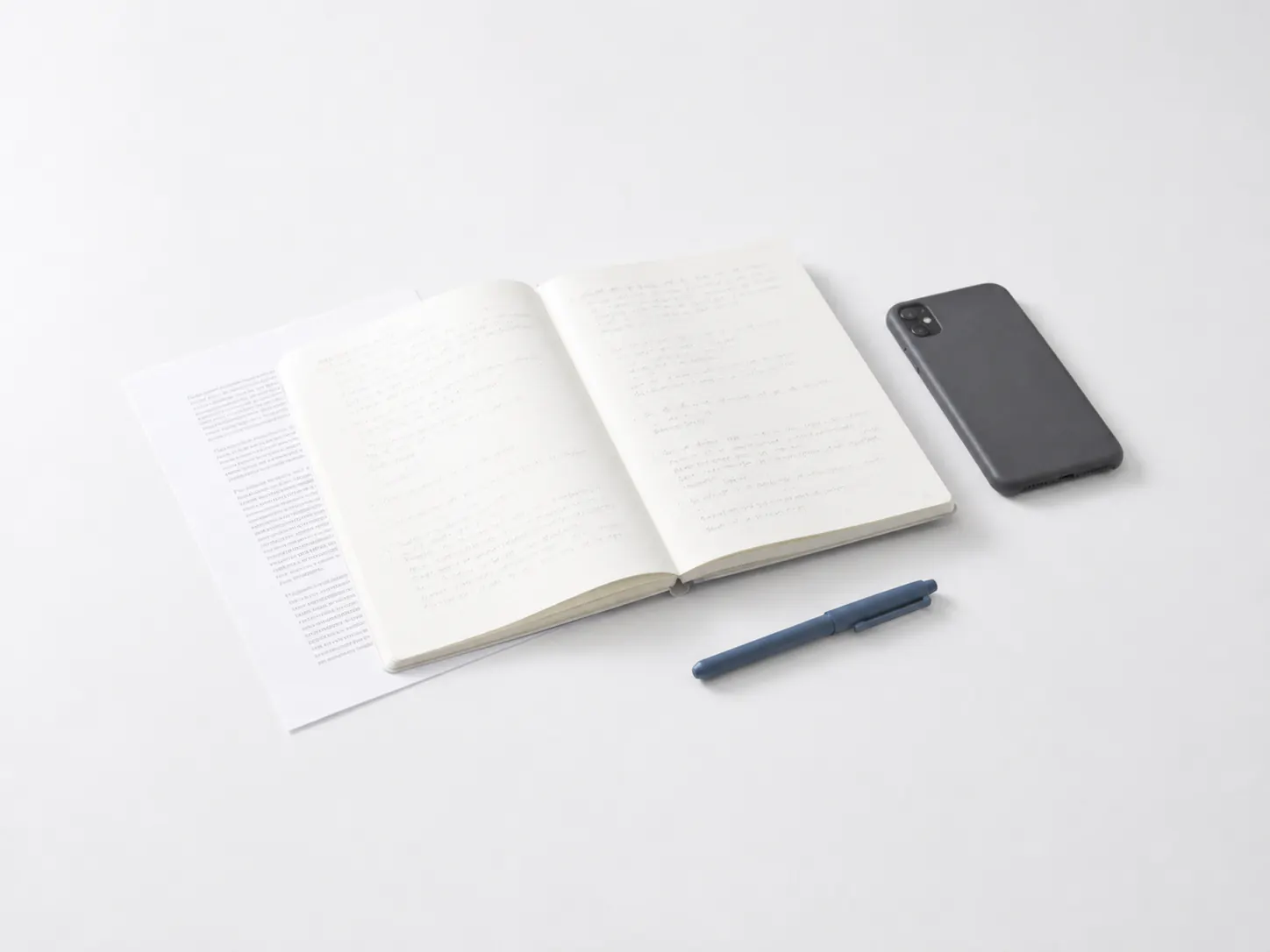
Most phones and computers can already pull text out of a picture. Here is where each built-in option lives, when an online OCR tool does better, and how to catch the mistakes OCR makes.
Read the guideEach one answers a single question, with the steps that actually change the result.
A few seconds of setup can save a long correction pass. These photo tips help OCR recognize the words on a page, receipt, label, or whiteboard.
Screenshots are often the only copy of a chat, error, receipt, or web page. Here is how to turn that image into editable text without retyping it.
A PDF can look like a document while containing only page pictures. This guide explains how to tell the difference and what to do next.
Handwriting OCR is most useful when the page is clear and the writing is consistent. The goal is a fast first transcription, not a promise that every character will be perfect.
Blur removes information from a picture, so no tool truly puts it back. What you can do is find a sharper copy, improve what is there, and let OCR read the recovered characters.
Upload an image, a screenshot, or a scanned PDF. Your first extraction is free.