Photo to text converter
OCRphoto is made for the moment when the only copy of the words is in your camera roll. Drop in the photo and get a clean text version back with photo OCR.
First extraction free · no account needed · your file is deleted after it is read
A better photo gives you a better transcription.
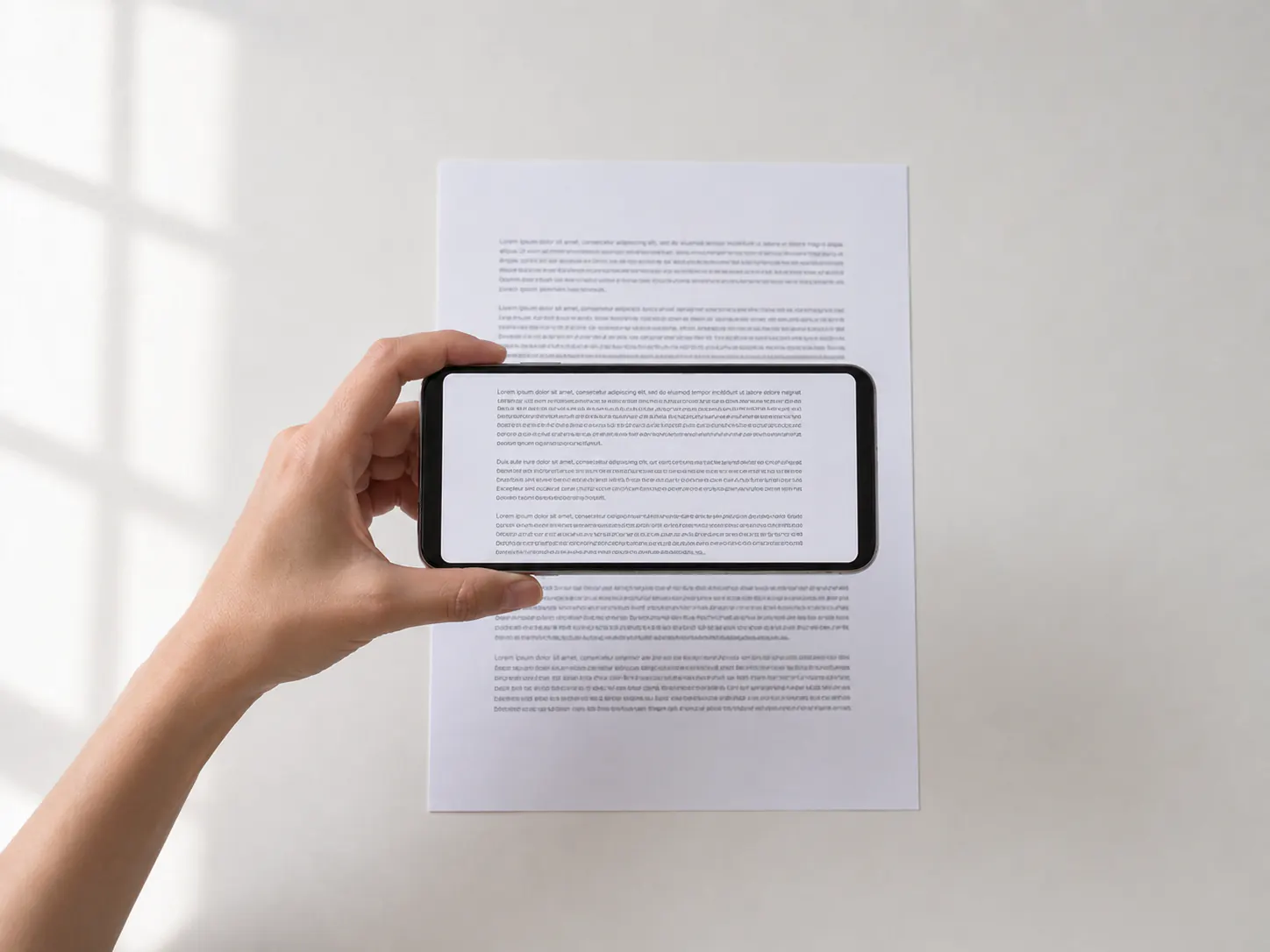
For photo OCR, place the page flat and hold the camera parallel to it. Soft, even light is better than a direct flash, especially on glossy receipts and labels.
Fill the frame with the words while keeping every line visible. If a full page makes the writing tiny, take two or three closer photos instead of one distant shot.
Where this one earns its keep
Phone photos of paper
Whiteboards and handwritten notes
Product labels and packaging
One file in, one block of text out
A phone photo of meeting notes
Project Atlas Next steps: 1. Confirm launch date 2. Share the revised brief
The photo decides the result, not the tool
OCR reads pixels, so the quality of the pixels sets a ceiling nothing downstream can raise. This is the part people underestimate: swapping tools rarely rescues a bad photo, while ten seconds spent retaking it usually does. If a first attempt comes back garbled, the productive move is almost always another photo rather than another converter.
Three things account for most failures, and all three are free to fix. Perspective — shooting the page at an angle, so one end of every line is smaller than the other. Uneven light — a hand shadow, a lamp hotspot, or glare across a glossy receipt. And distance — standing far enough back that the text occupies a small fraction of the frame, leaving too few pixels per character to work with.
Taking a photo OCR can read
None of this needs a special app or a scanner. The camera you already have is enough if you give it a fair chance:
- Put the page on a flat surface and flatten any curl, rather than holding it in the air.
- Hold the camera parallel to the page — directly above it, not leaning in from one side.
- Use soft, indirect light. Window light beats a flash, which reflects off glossy paper.
- Watch for your own shadow falling across the words as you lean over the page.
- Fill the frame with the text, keeping every line fully inside it. Tap to focus before shooting.
- For a dense page, take two or three closer photos instead of one distant one.
Receipts, labels, whiteboards, and other awkward surfaces
Thermal receipts are faint by nature and fade further with age and heat. Photograph them soon, in bright indirect light, and flatten the curl — a rolled receipt puts half the text out of focus no matter how steady your hand is.
Product labels curve around the container, which no camera angle fully solves. Rotate the item and take several photos, each with a different section flat to the lens, rather than trying to capture the whole wrap at once.
Whiteboards and screens have their own problem: reflections. Move to one side to shift the glare off the writing, then straighten the resulting angle in your phone's crop tool before uploading. For a computer screen, take a screenshot instead — screenshot to text is both easier and far more accurate than photographing a display.
What happens to your photo
The upload goes to private storage, is read, and is deleted after a successful extraction. The text comes back to your browser to copy or download as a .txt file. Nothing is published, and the image is not kept around after the job finishes.
For photos of handwritten pages, handwriting to text covers what to expect from the writing itself, which is a different problem from getting the photo right.
Step by step: How to take a photo that OCR can read
Common questions about photo to text
Clear, well-lit text gives the model more signal. These are the details that matter for this format.
How should I take a photo for OCR?
Put the page flat, hold the camera parallel to it, use even indirect light, and fill the frame with the text. Avoid flash, glare, your own shadow, and motion blur.
Does photo to text work on phone images?
Yes. JPEG, PNG, and WebP photos are supported on mobile and desktop browsers.
Why is my photo not converting well?
Usually the angle, the light, or the distance. Retaking the photo flat, in even light, with the text filling the frame fixes more cases than switching tools does.
Can I photograph a computer screen?
You can, but take a screenshot instead if the screen is yours. Screen photos add moire, reflections, and blur that a screenshot avoids entirely.
Does it work on receipts and product labels?
Yes. Flatten a curled receipt and photograph it in bright indirect light. For labels that wrap around a container, take several photos with each section flat to the lens.
Are my photos stored?
The uploaded source is private and deleted after a successful extraction. OCR results are returned to your browser for download.
Another file, another page
Photo to text, without the retyping
Your first extraction is free and does not need an account.